
Veo 4 AI Video Generator: Turn Ideas Into Cinematic Videos With Sound
Start with a product angle, story setup, or script fragment. Add camera, action, and sound direction to create videos for ads, social, product stories, and pitches.
Start with one idea and get a short video your team can watch, discuss, and improve.

See the Look, Then Generate Your Version
Use real examples to judge image quality, motion, pacing, characters, and sound before making your own ad, social clip, or product story.
Put the Product in Motion Fast
Put the product, setting, camera push, and rhythm into one prompt so the first draft already feels campaign-ready.
Close-Ups That Stay Believable
Test expression, identity, and subtle motion so a character feels believable, not just animated.
One Setup, One Clear Story
Give Veo 4 AI a place, a conflict, and a mood, then turn a loose idea into a clip viewers can follow.
Test Scroll-Stopping Styles
Change color, genre, and pacing to find the version worth testing in ads or social feeds.
Turn Static Art Into Motion
Move concept art, illustrations, and brand visuals into a format that works for launches and presentations.
Turn Creative Direction Into Publishable Video
Veo 4 AI brings script, camera, motion, and sound together so your team can see the result faster and decide what to ship.
Sound Carries the Story
Add dialogue, ambience, effects, rhythm, and music mood with the shot so the clip feels like a finished piece.
Camera Moves With Purpose
Make pushes, tracking, reveals, transitions, and physical action serve the message and mood.
Brand Assets Are Easier to Remember
Keep faces, products, props, and settings recognizable enough for ads, launches, and series.
Create More Versions Faster
Try different styles, beats, and angles before spending more time on one direction.
Turn the First Idea Into a Watchable Short
Set the hook, add camera and sound, then take the strongest version forward.
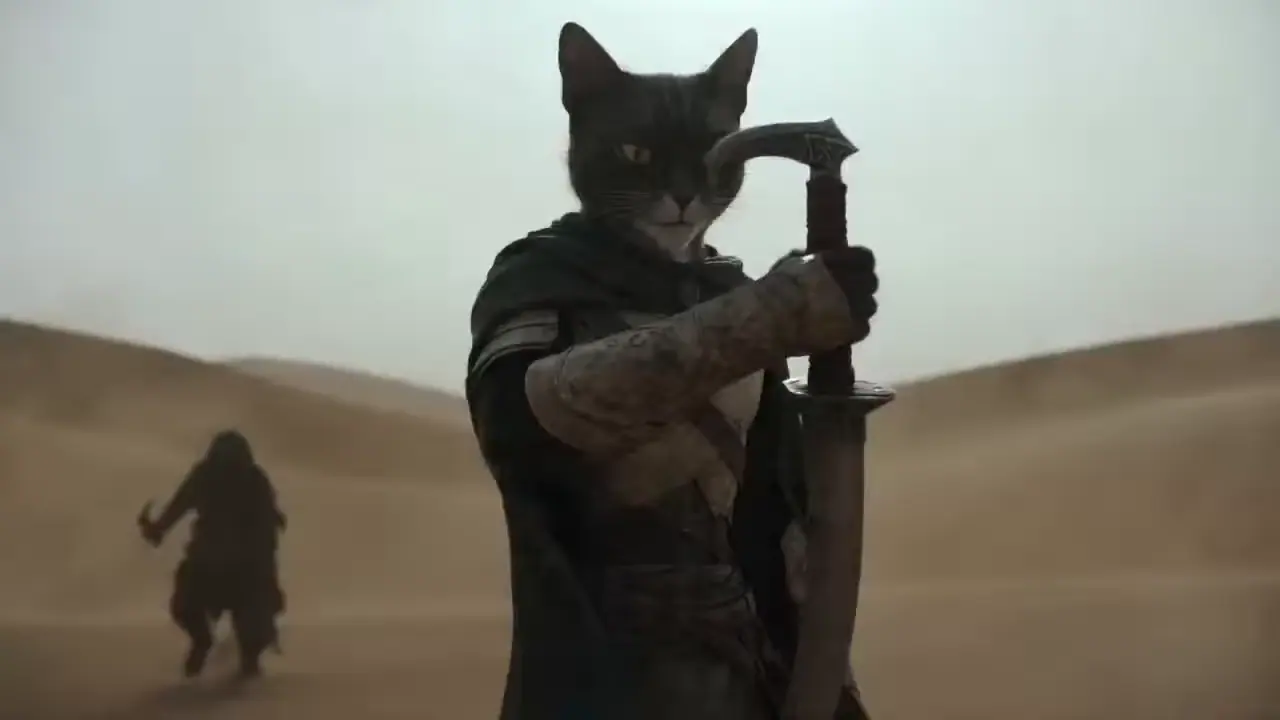
Write the Core Idea
Start with a prompt, template, image, or reference clip. Define the mood, subject, action, and outcome.
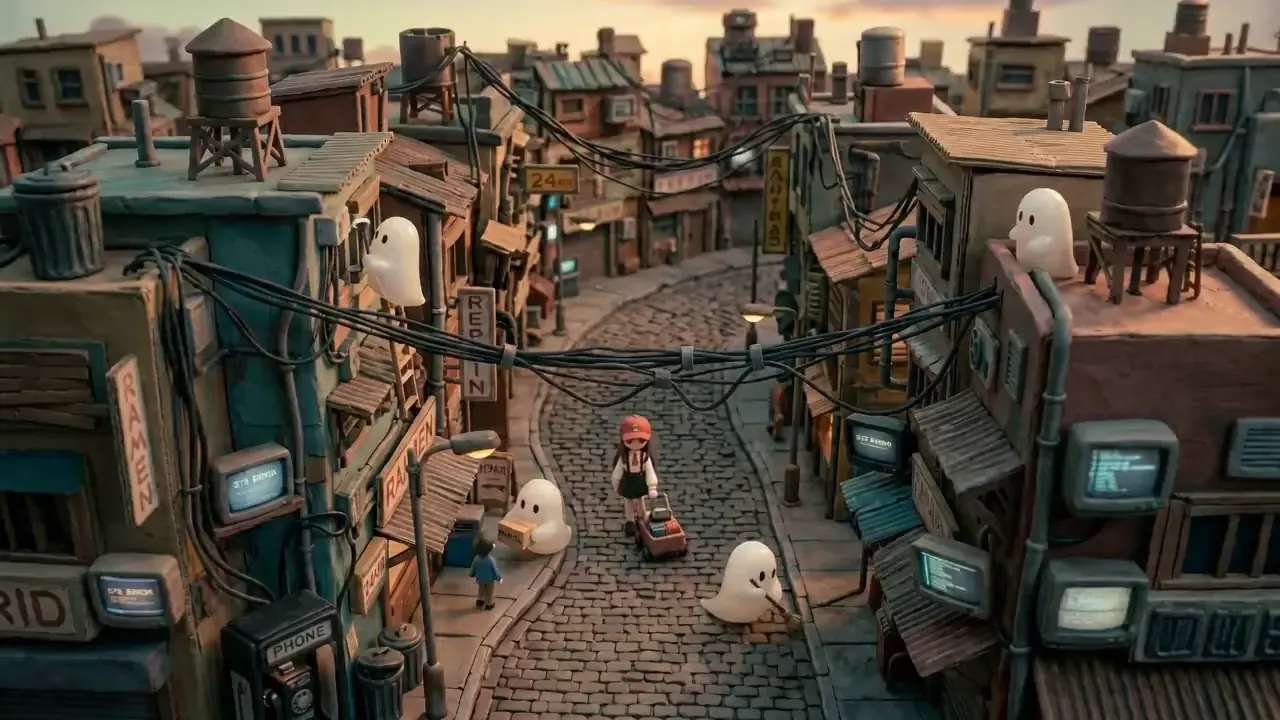
Add Camera and Sound
Add camera movement, realistic action, on-screen details, style, dialogue, and ambience so the short feels complete.
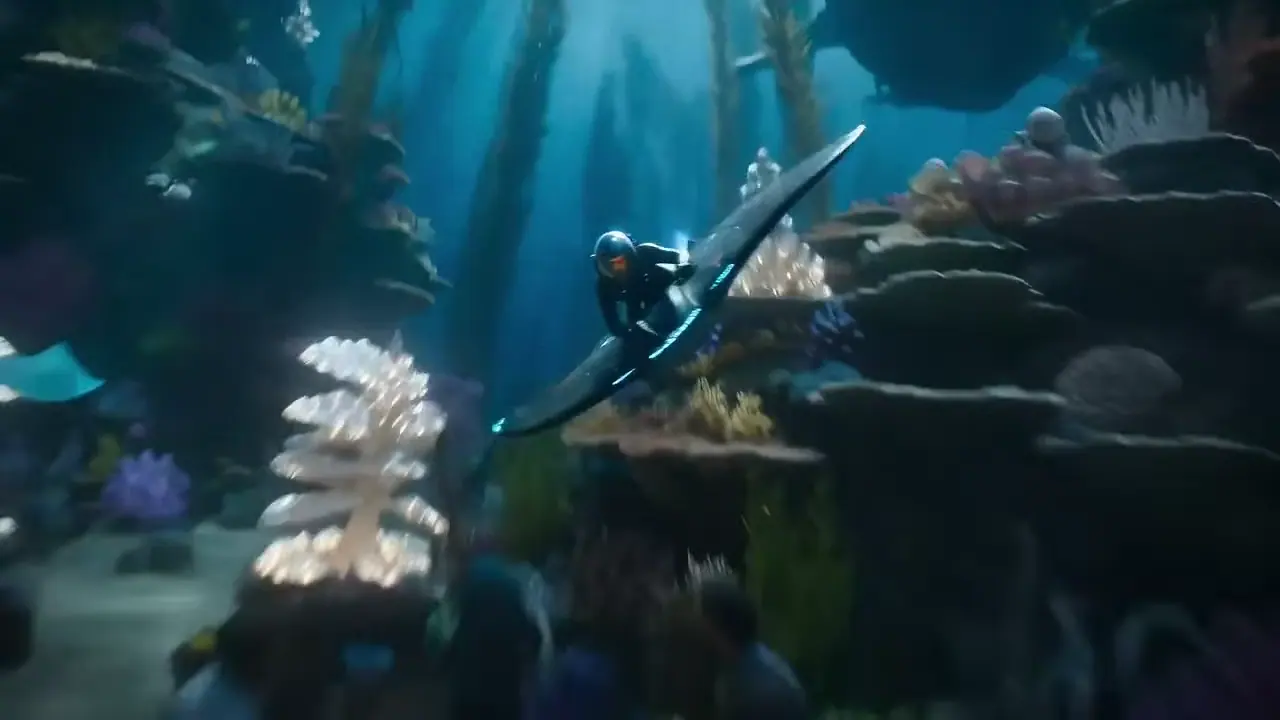
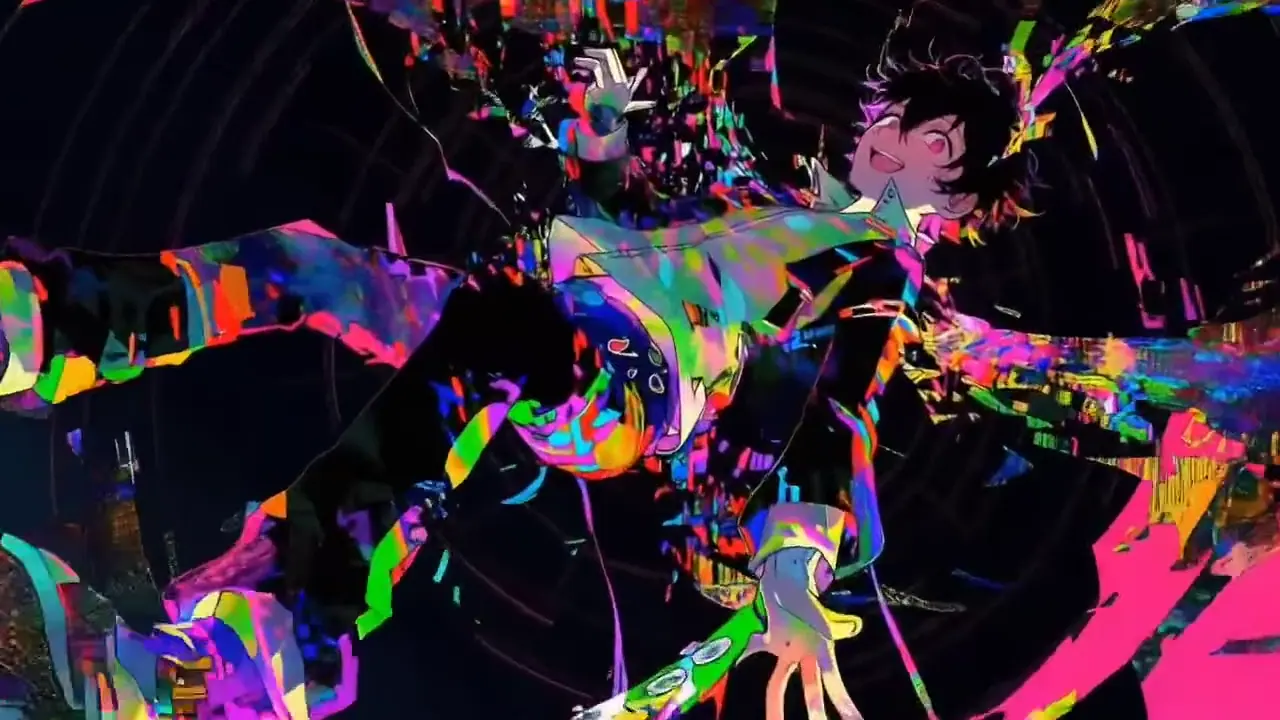
Choose the Best Version
Keep the version that works, generate sharper variations, and move the clip into ads, social, or pitch channels.
Video Capabilities Built for Ads, Social, and Product Stories
Put visuals, camera, characters, sound, and rhythm together to get short-form options you can test or publish.
Audio and Dialogue in the Same Prompt
Prompt dialogue, ambience, sound effects, and music mood together with the visual scene.
More Controllable Motion
Steer physics, movement, camera travel, pacing, and action with purposeful language.
Closer to Your Creative Direction
Write the subject, setting, action, style, and ending clearly so the shot follows your creative goal.
Revise With Plain Language
Extend, swap, restyle, tighten, or reshape a clip with plain-language feedback.
From Script to Shot Plan
Plan video prompts, scene structure, and creative variations before generation and review.
Voice and Sound Cues
Add dialogue, ambience, rhythm, and music intent alongside the visuals.
Character and Scene Consistency
Keep people, products, props, wardrobe, and spaces aligned across motion.
Output for Campaign Testing
Create useful options for ads, explainers, product walkthroughs, lessons, and social posts.
Music-Aware Timing
Call out beat changes, emotional lifts, and timing when music drives the scene.
From Idea to First Video, Faster
Turn a concept into a watchable short first, then decide whether it belongs in a campaign, pitch, or next round of polish.
1 Add the idea and references
Add the idea and references
2 Create the first video version
Create the first video version
3 Refine for launch or testing
Refine for launch or testing
From First Cut to Real Use Cases
Turn creative direction into video assets your team can show, review, test, and reuse.
Product Launch Clips
Create a first asset for testing message, pacing, and visual direction.
Explainers and Lessons
Explain complex ideas with scenes, visual text, and sound instead of a long written walkthrough.
UI Walkthrough Videos
Turn screens, flows, and benefits into clips that sales, product, and support teams can share.
Character Moments
Test face, outfit, expression, and motion tone before investing in a larger campaign.
Stylized Social Spots
Create short clips that read quickly and have a clear reason to stop the scroll.
Micro-Stories
Turn one prompt into a scene with tension, payoff, and sound for pitches or social content.
Creators Want Results, Not More Settings
The value is simple: see the direction faster, then decide what deserves more work.
I do not want to study settings first. I want to see whether the shot in my head is worth making.
David Chen, Digital Artist
David Chen
Digital Artist
For ad testing, speed matters. I can create a few video versions before choosing what to push.
Rachel Kim, Content Creator
Rachel Kim
Content Creator
When I write the camera, pace, and sound clearly, the result feels more like a real previsualized shoot.
Marcus Thompson, Filmmaker
Marcus Thompson
Filmmaker
I keep the best draft, change the style or rhythm, and compare. That is exactly how social ideas move.
Sofia Garcia, YouTube Creator
Sofia Garcia
YouTube Creator
Product stories need clarity and polish. A quick AI video version makes team feedback much easier.
James Wilson, Marketing Director
James Wilson
Marketing Director
A static brand visual is hard to sell. Once it moves, the idea becomes easier to understand.

Maya Iwasaki, Brand Designer
Maya Iwasaki
Brand Designer
Veo 4 AI and How to Use It
Quick answers about what it is, sound support, pricing, and how to start.
Still comparing tools? Create one video first. The result is easier to judge than another opinion thread.
Independent Veo 4 AI Experience
This site is an independent AI video workspace. It is not the official website of Google, Google DeepMind, Gemini, Veo, Flow, Sora, or any other model provider.